BBB business profile form
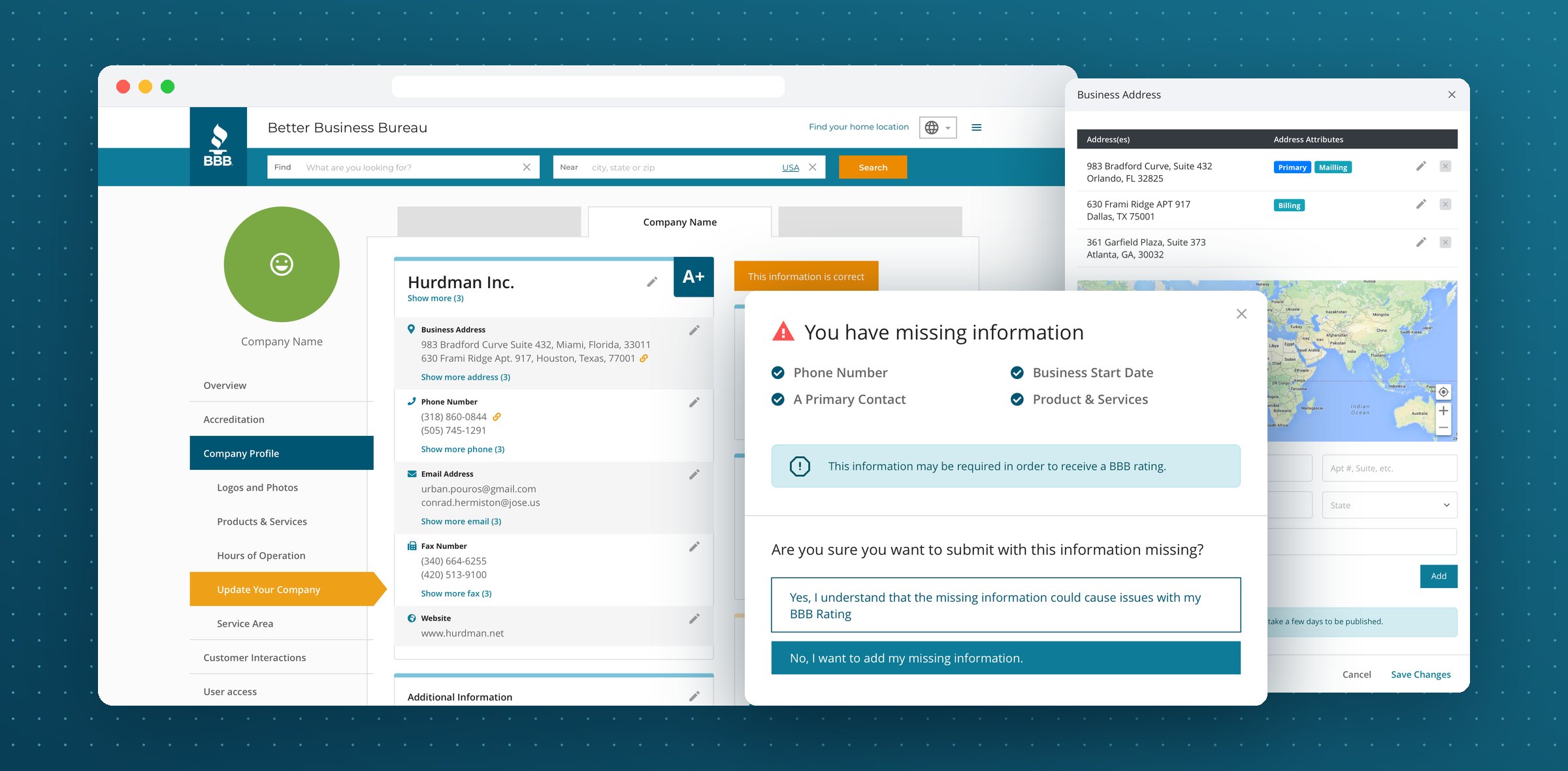
A form that lets a business check its Better Business Bureau profile and fix only what changed. I designed it in Figma and coded the front end.
- Timeline
- 2019
- Scope
- UI/UX design, front-end development
The profile
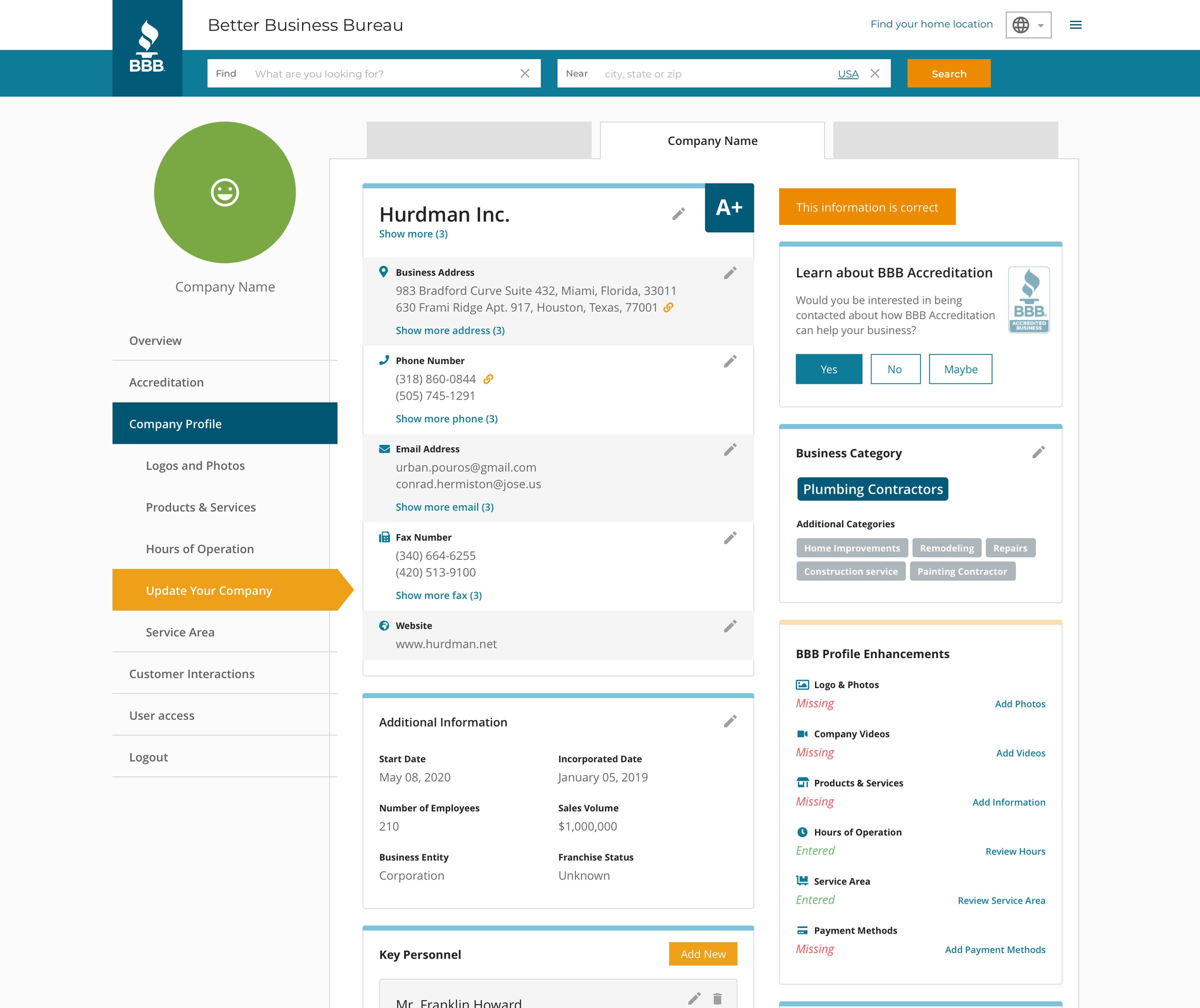
Confirm it, don’t refill it.
Most of a business profile is already on file, so the form opens on the profile itself. Every value has a pencil beside it, and an owner with nothing to change can finish in one click.
Dialogs
One field, one dialog.
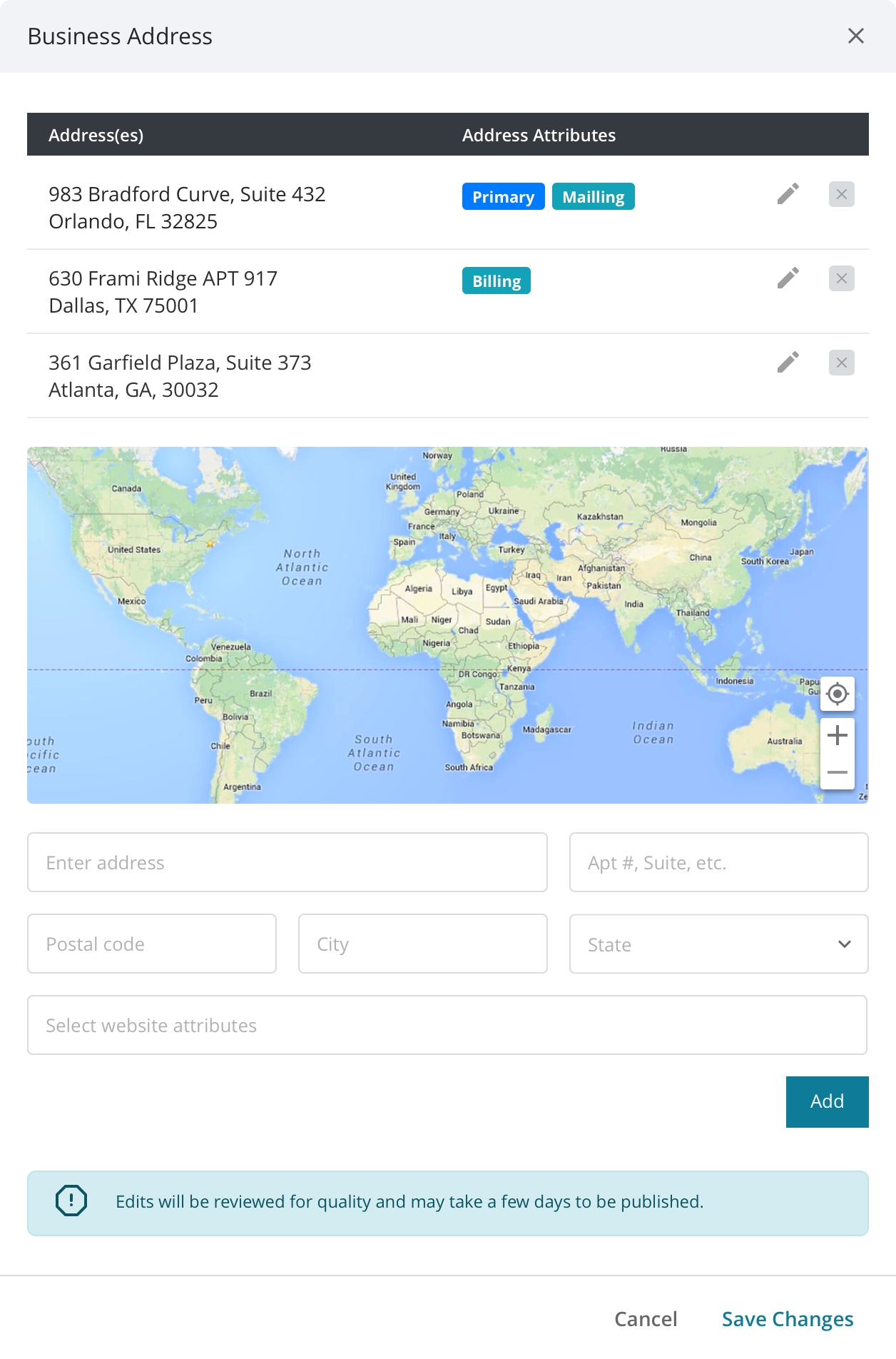
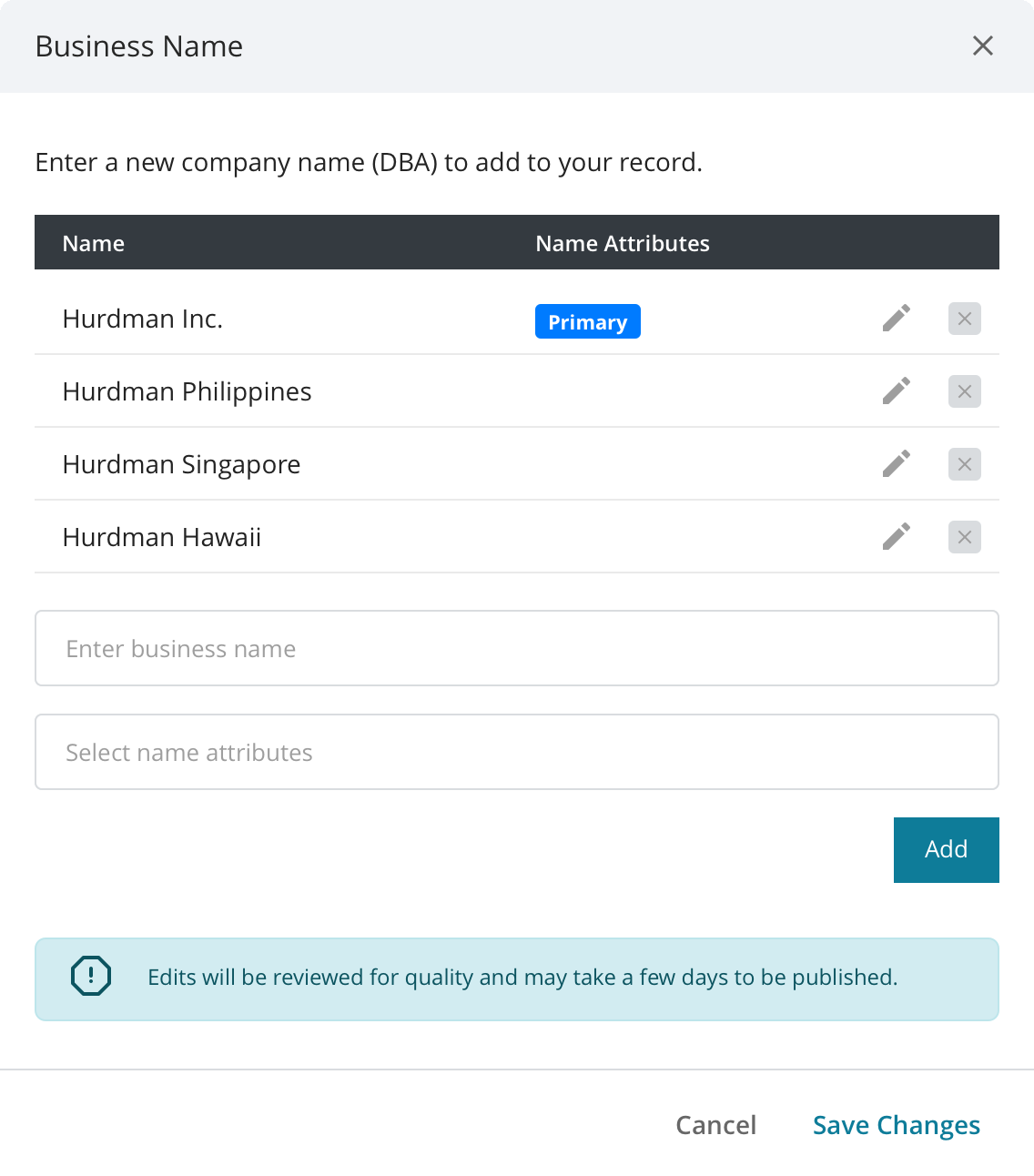
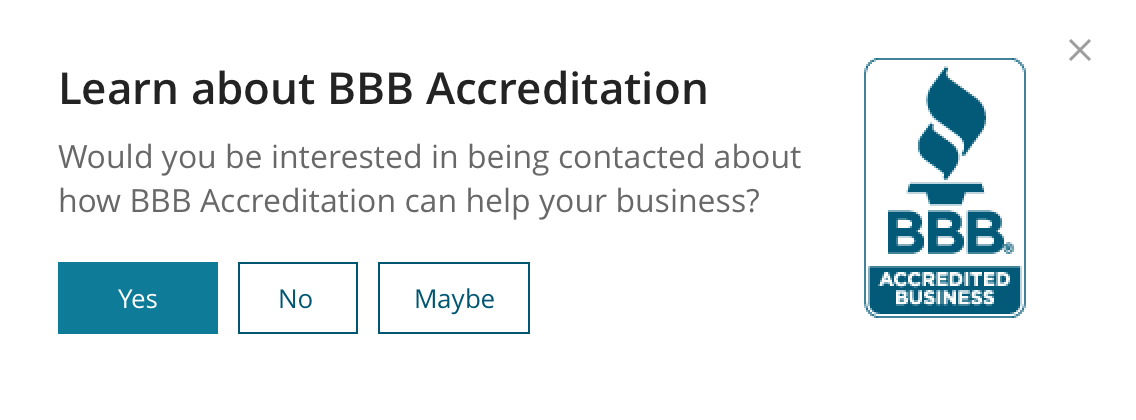
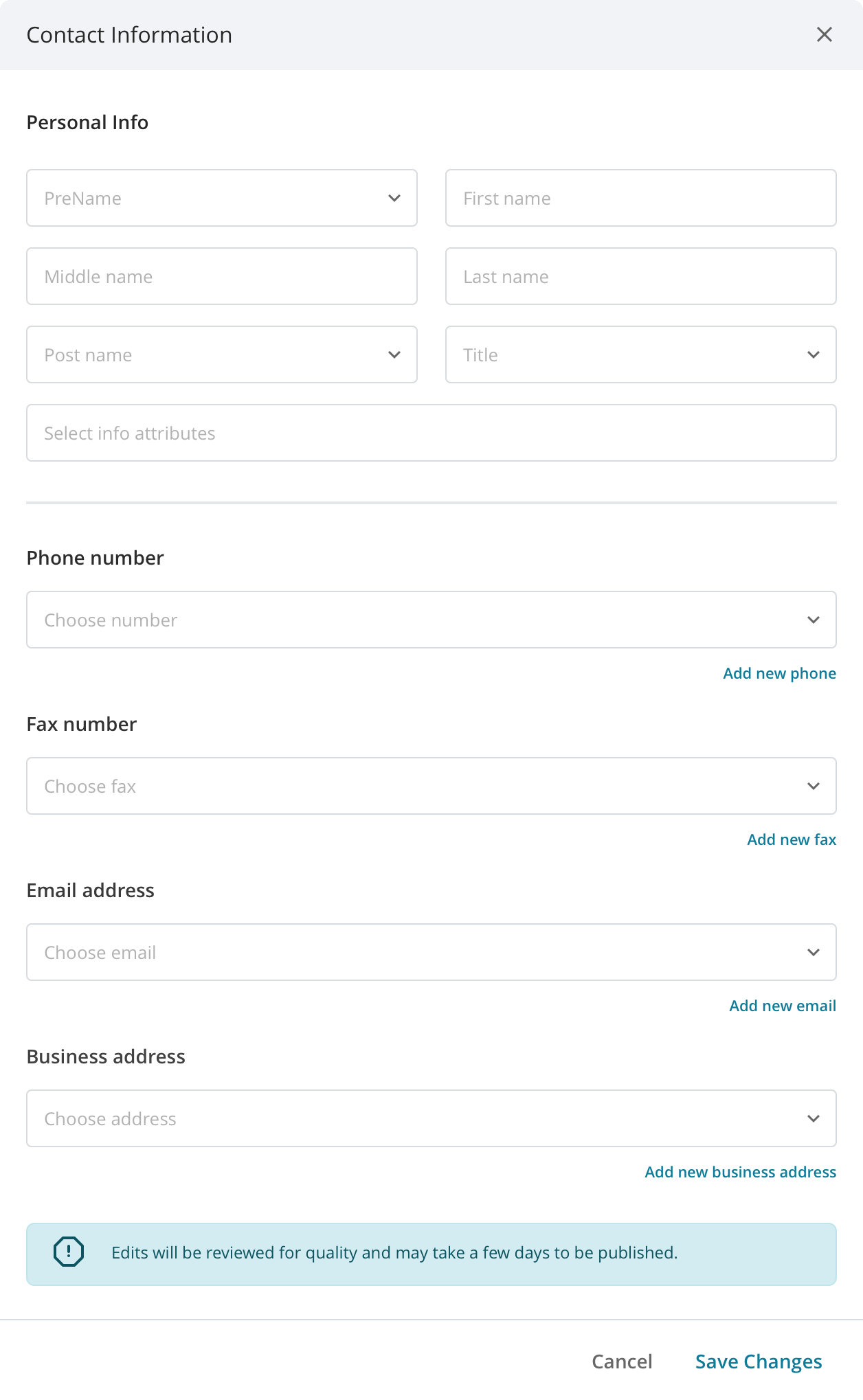
Each pencil opens a dialog for one kind of information. Names, addresses and phone numbers can have several values, so each dialog lists them with tags like Primary, Mailing or Billing, with an add form below.
Principles
Three rules behind every screen.
- 01
Confirm, don’t retype
Show what is on file and ask if it is still right. Owners only touch what changed.
- 02
Same pattern everywhere
One dialog, one value table, one set of tags. Learn it once, use it for every field.
- 03
Say what happens next
Every dialog notes that edits are reviewed and take a few days to publish.
Submitting
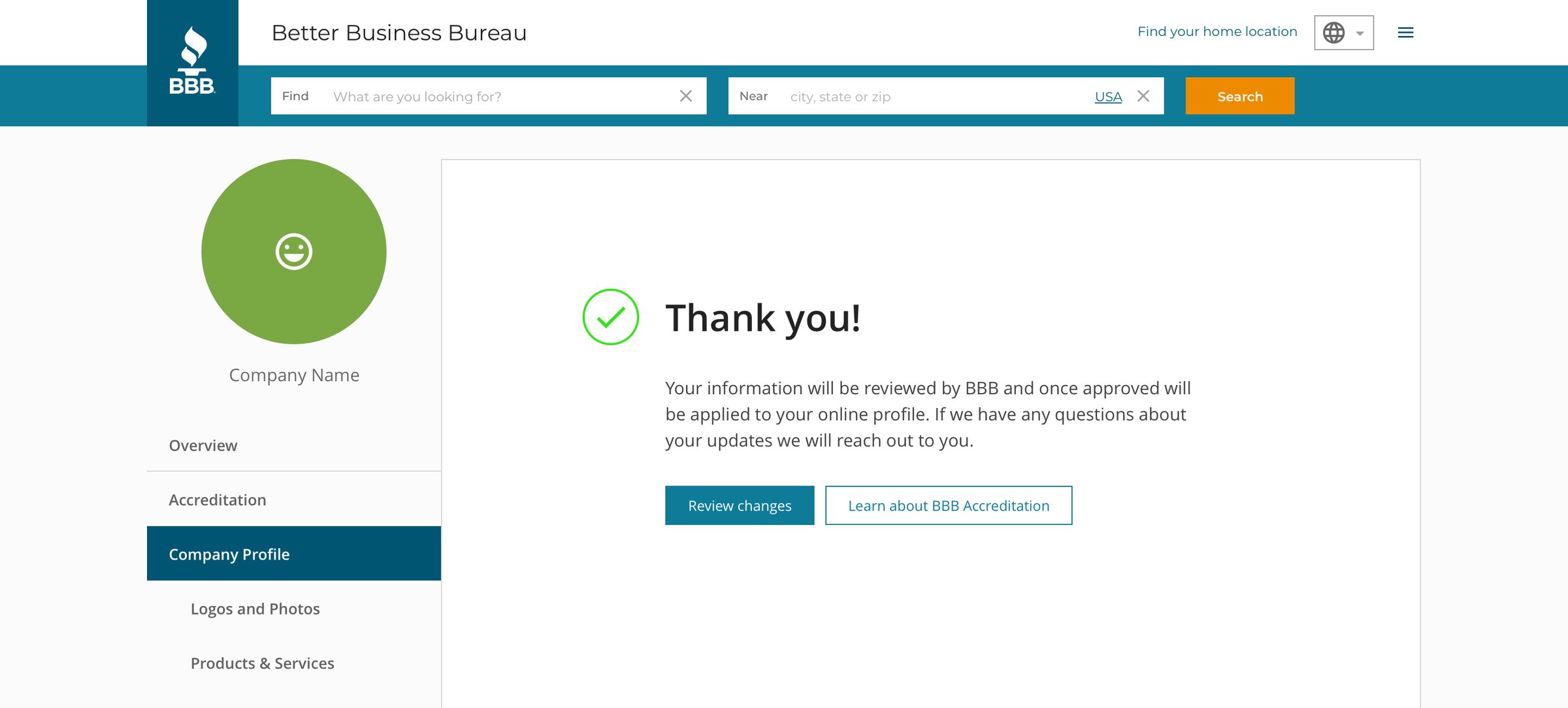
A last check, then a clear thank you.
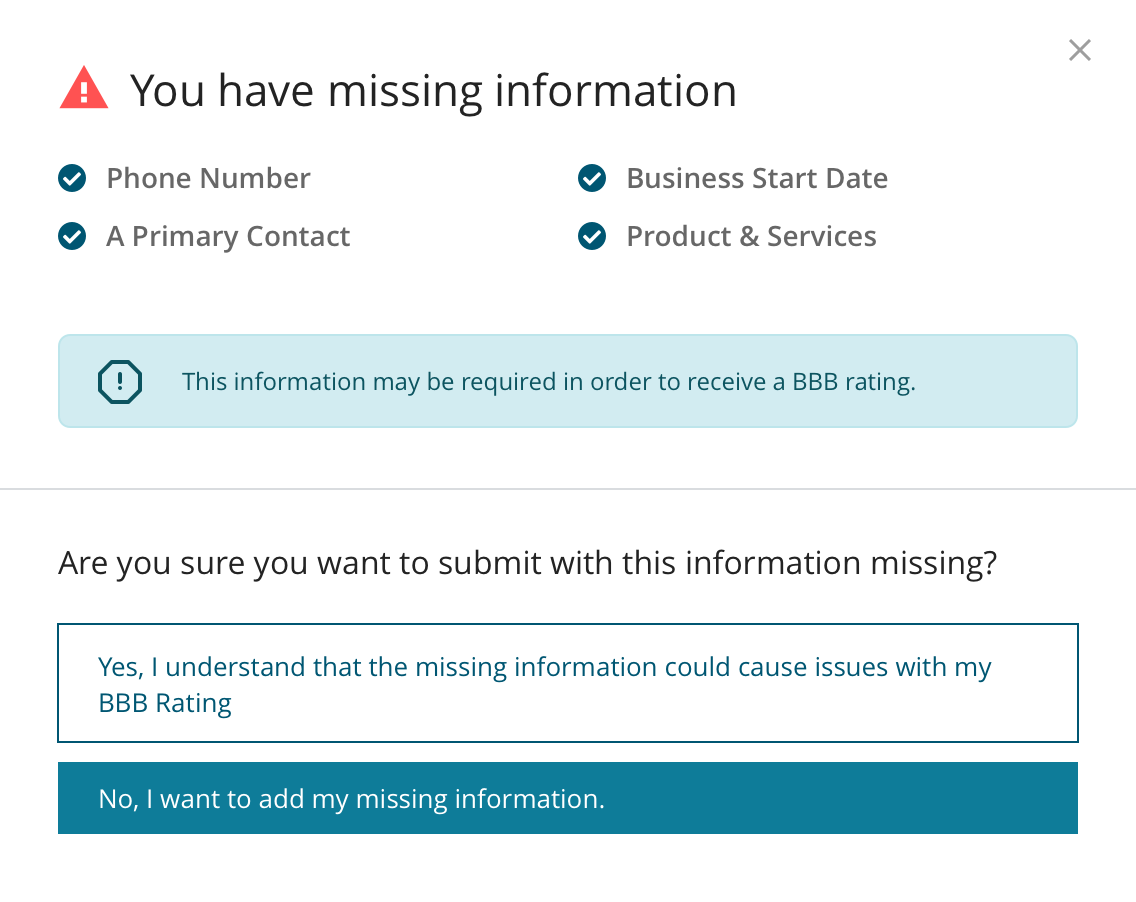
If required details are still empty, the form lists exactly which ones and why they matter before it sends. The answers are full sentences, and going back to fix it is the filled button.
My role
Designed it, then built it.
Design
Flows, wireframes and the final UI in Figma: the profile page, every field dialog, the missing information check, sign up and thank you.
Front end
I coded the screens myself. Designing with the build in mind kept the parts few, so every field reused the same dialog and table.
Let’s talk
I’d love to tell you more on a call.
There’s more to this project than fits on one page. If you’re interested, I’m happy to walk you through the decisions, the trade-offs and what I’d do next.