Greencheck
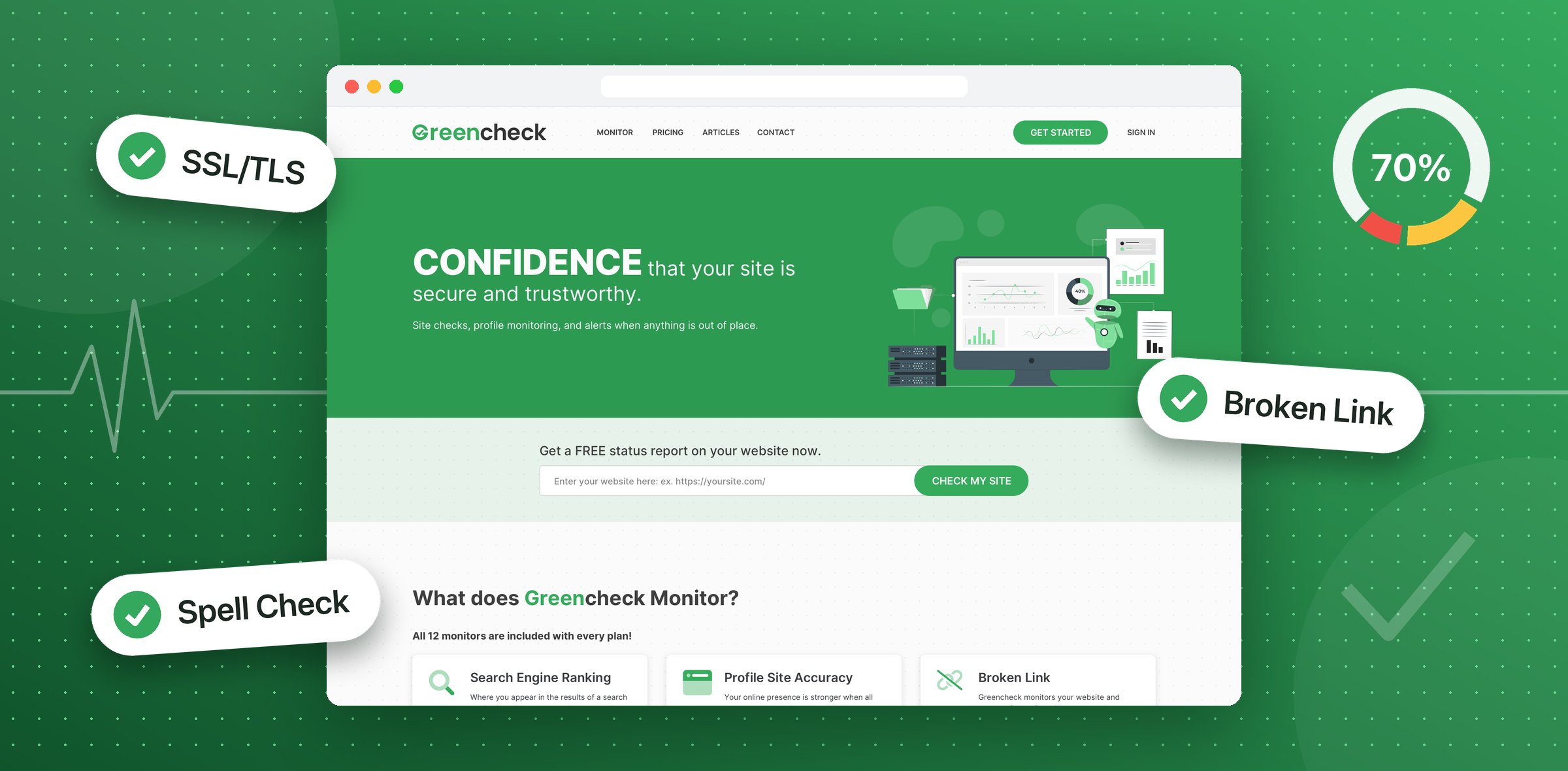
A product that watches a business website and tells the owner when something breaks, with SEO reports anyone can read. I designed it in Figma, desktop and mobile, and coded the front end.
- Timeline
- 2022
- Scope
- UI/UX design, front-end development
Free check
Value before sign up.
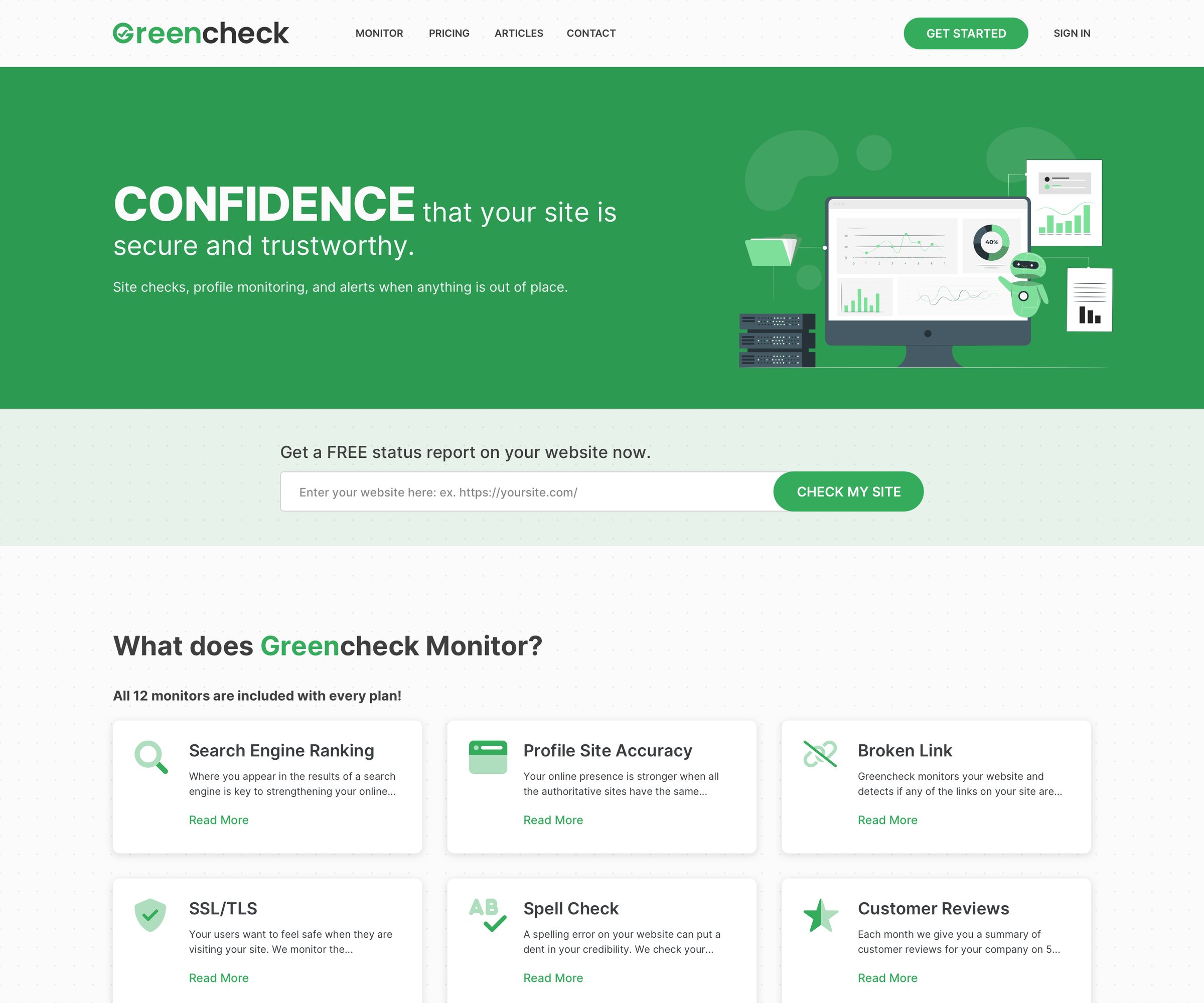
The homepage asks for one thing: a website address. The free status report shows what Greencheck finds before anyone makes an account, and the twelve monitors are listed just below.
Sign up
Three plans, six short steps.
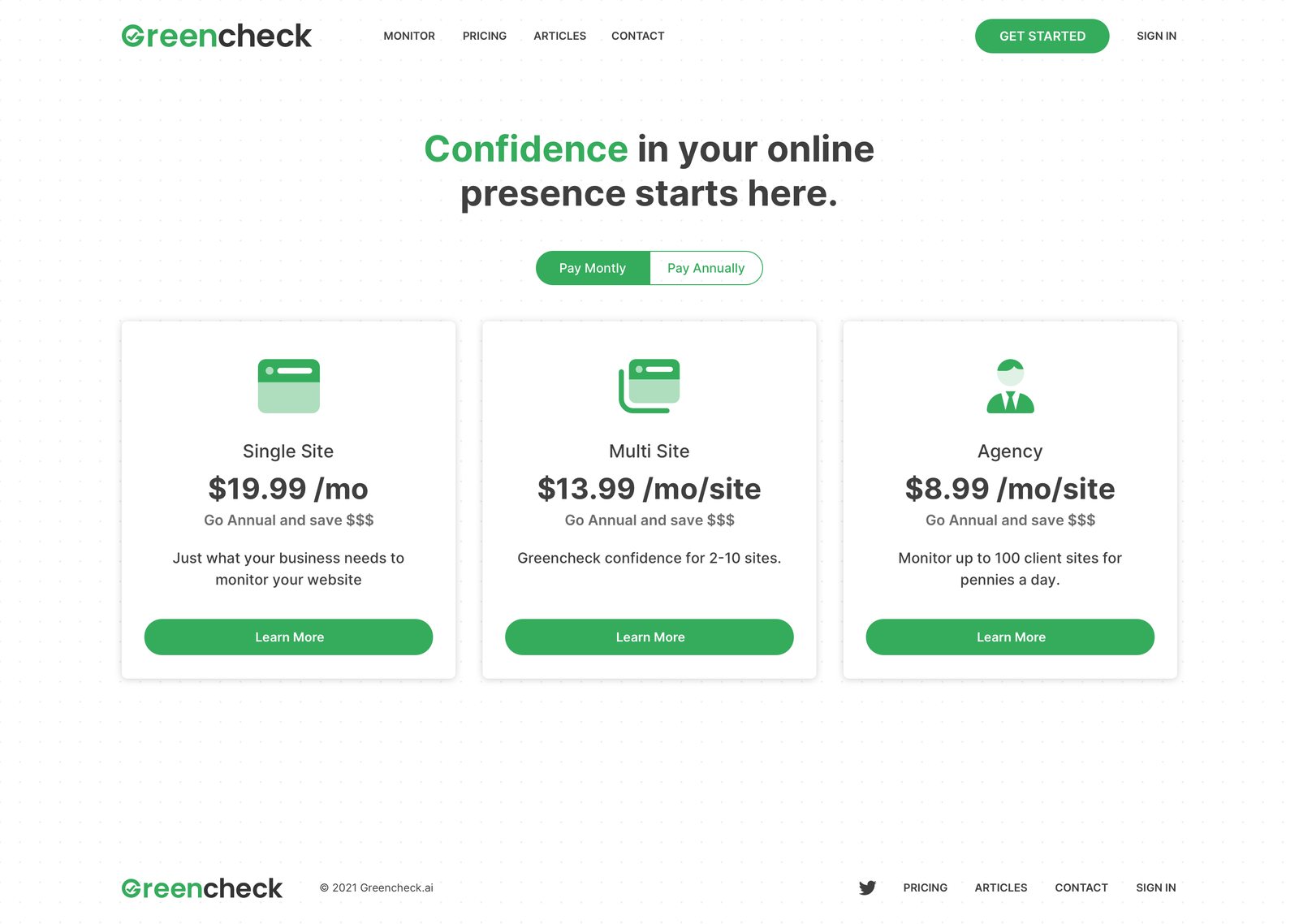
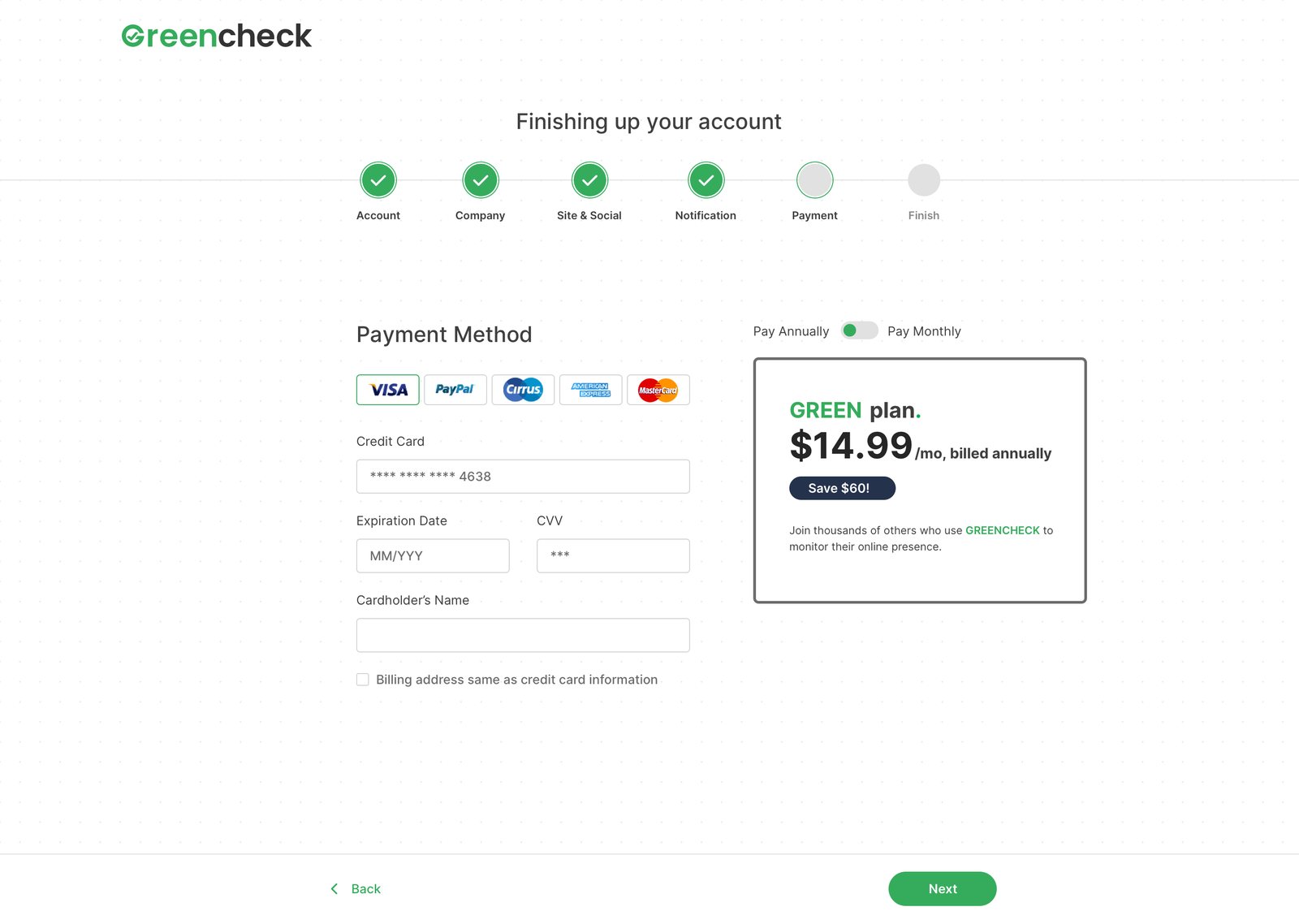
Pricing is three cards: one site, several sites, or an agency. Signing up walks through account, company, site and social links, notifications and payment, with progress marked at the top and the chosen plan kept in view.
Dashboard
Every monitor on one page.
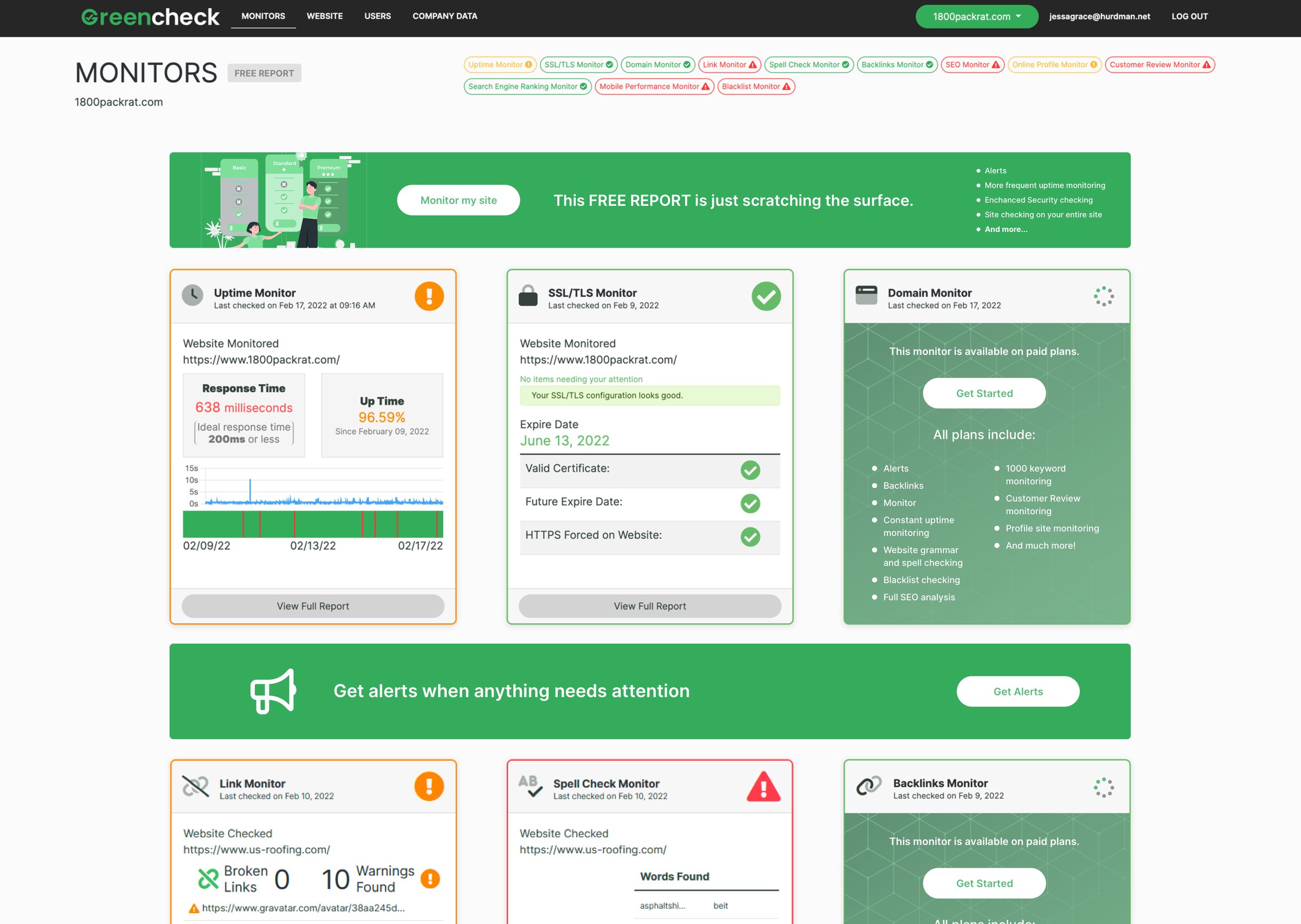
Once a site is added, each monitor gets its own card: uptime with response time, SSL with its expiry date, domain, broken links and spell check. An icon in the corner shows at a glance which ones need attention, and monitors on paid plans show what they would add.
Reports
Findings in plain words.
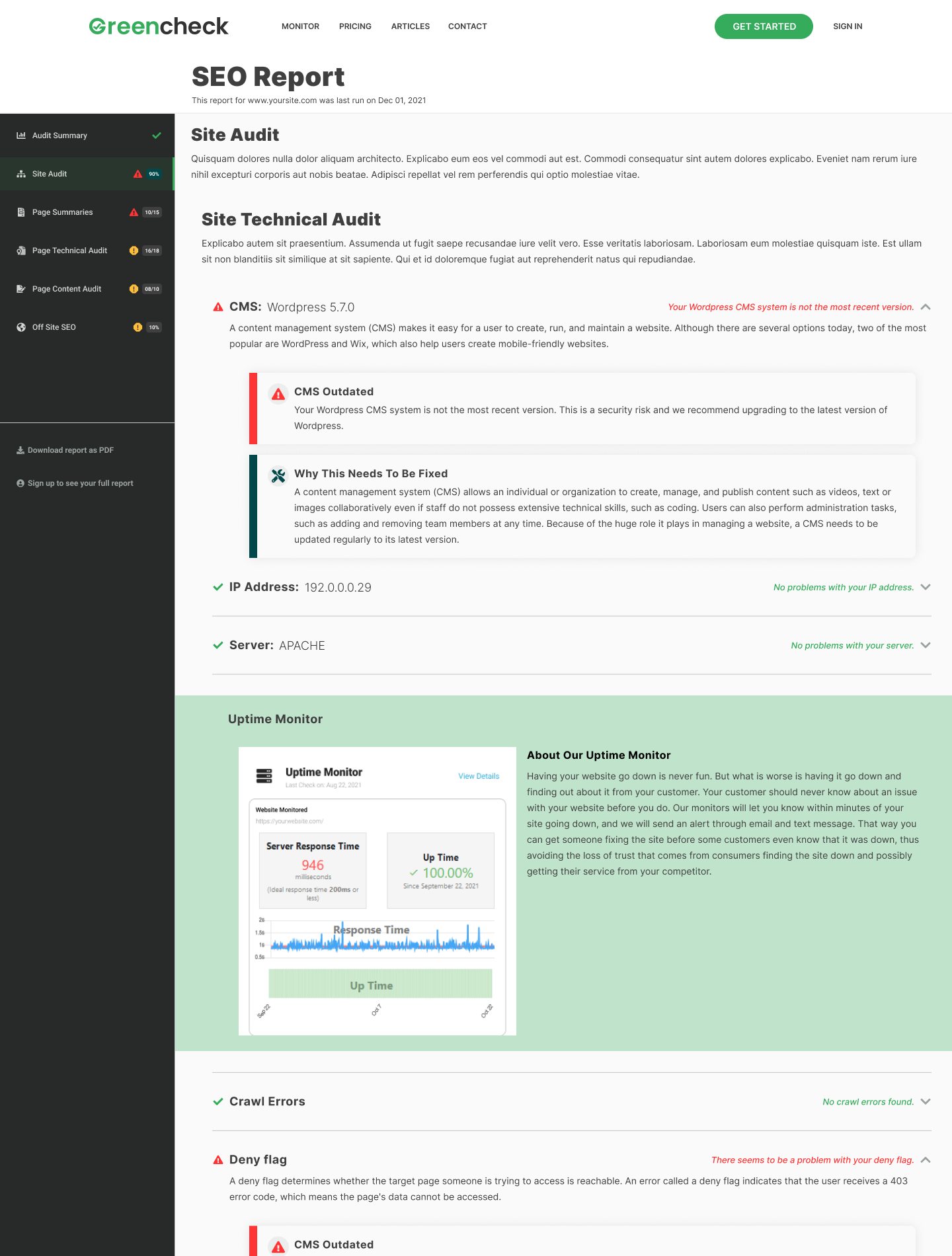
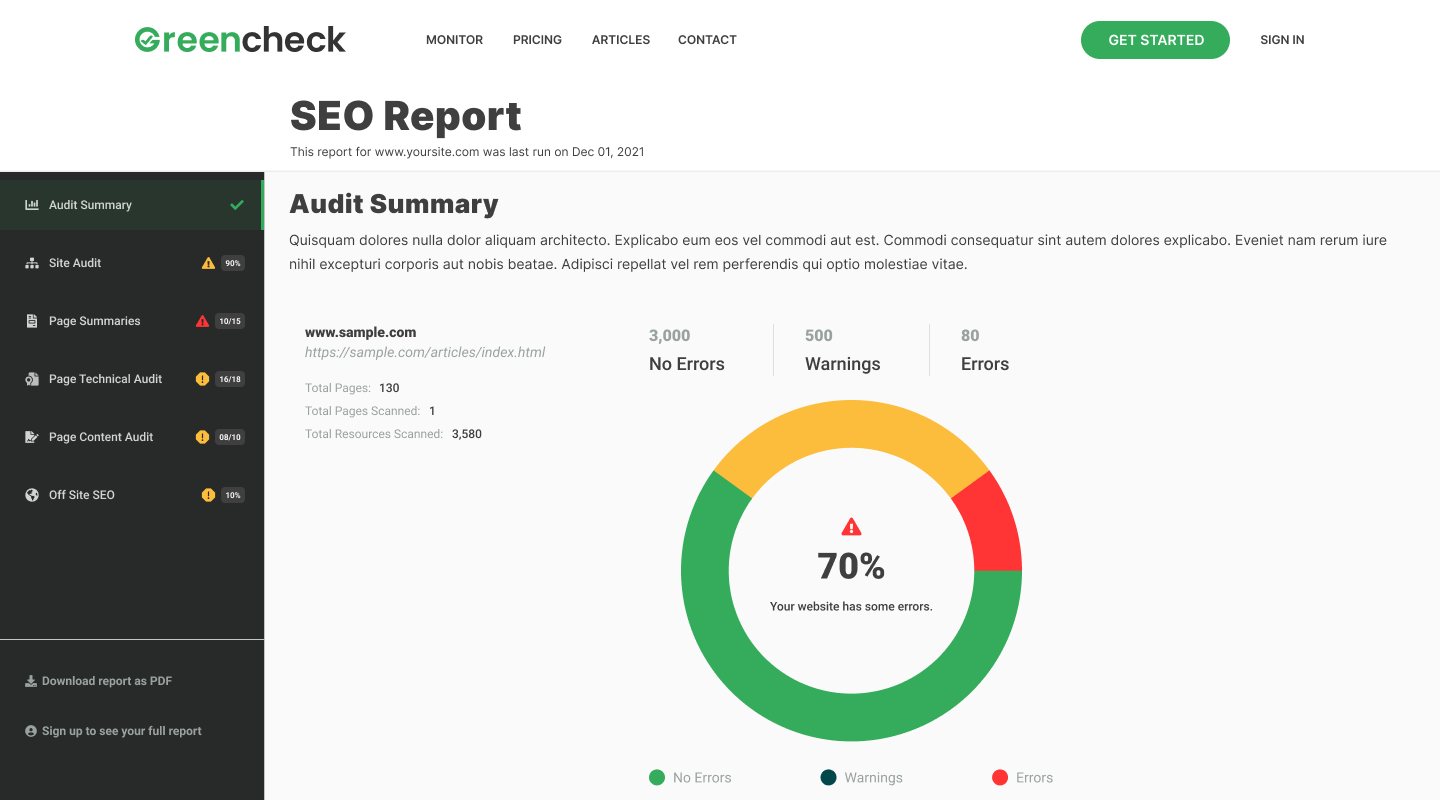
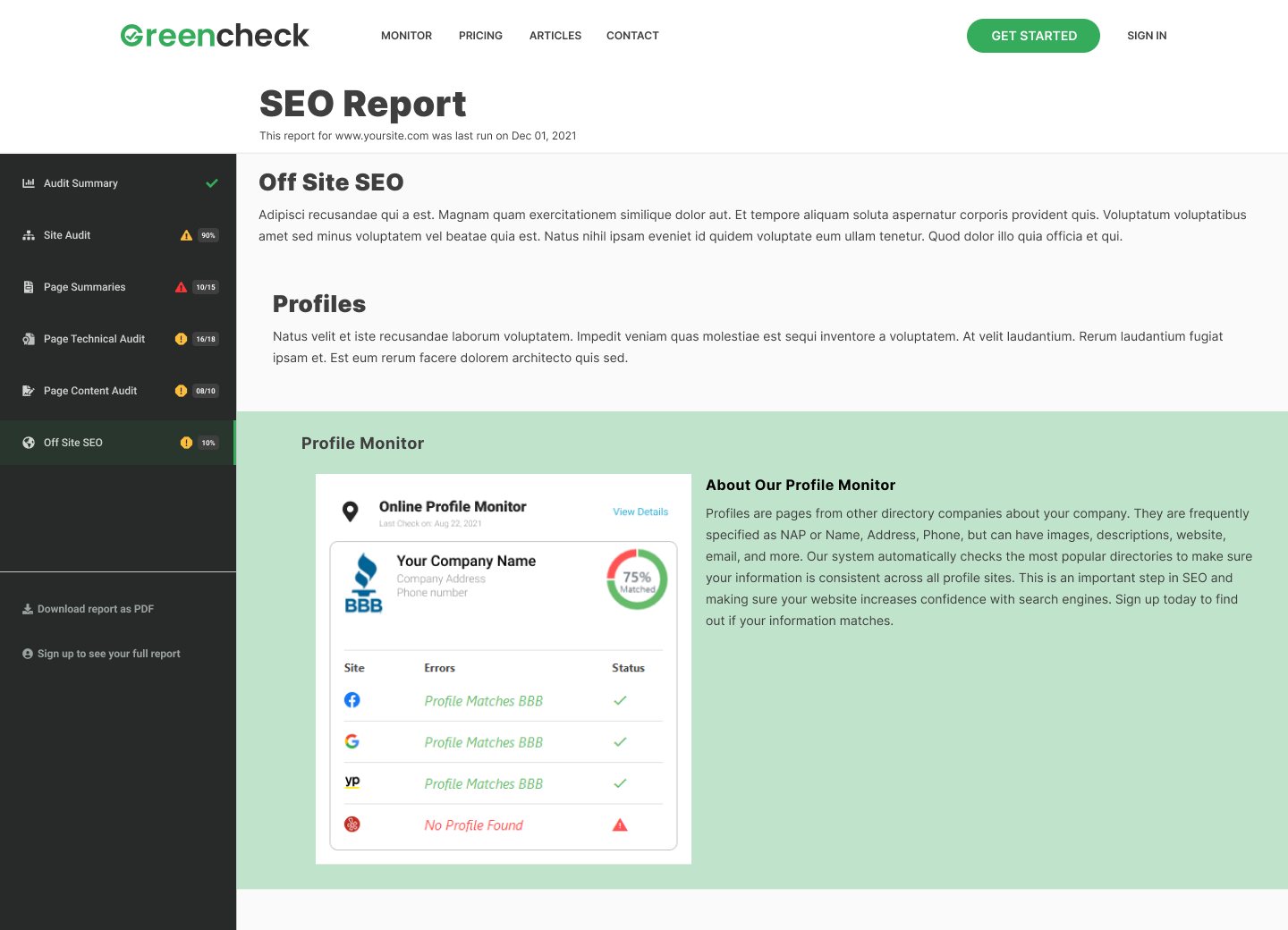
The SEO report starts with a score and a count of errors and warnings, then breaks down into site, page, technical, content and off-site audits. Each issue says what it is and why it needs fixing.
Alerts
Red, yellow, green.
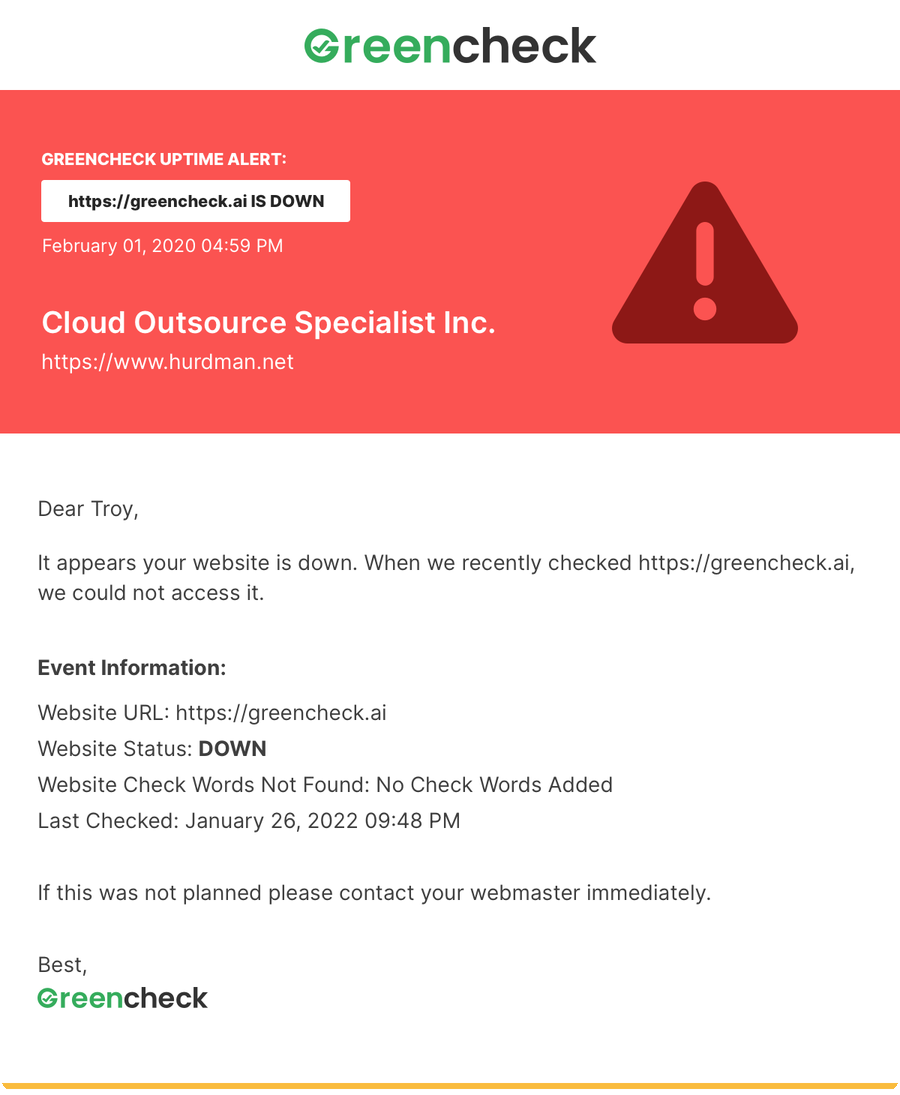
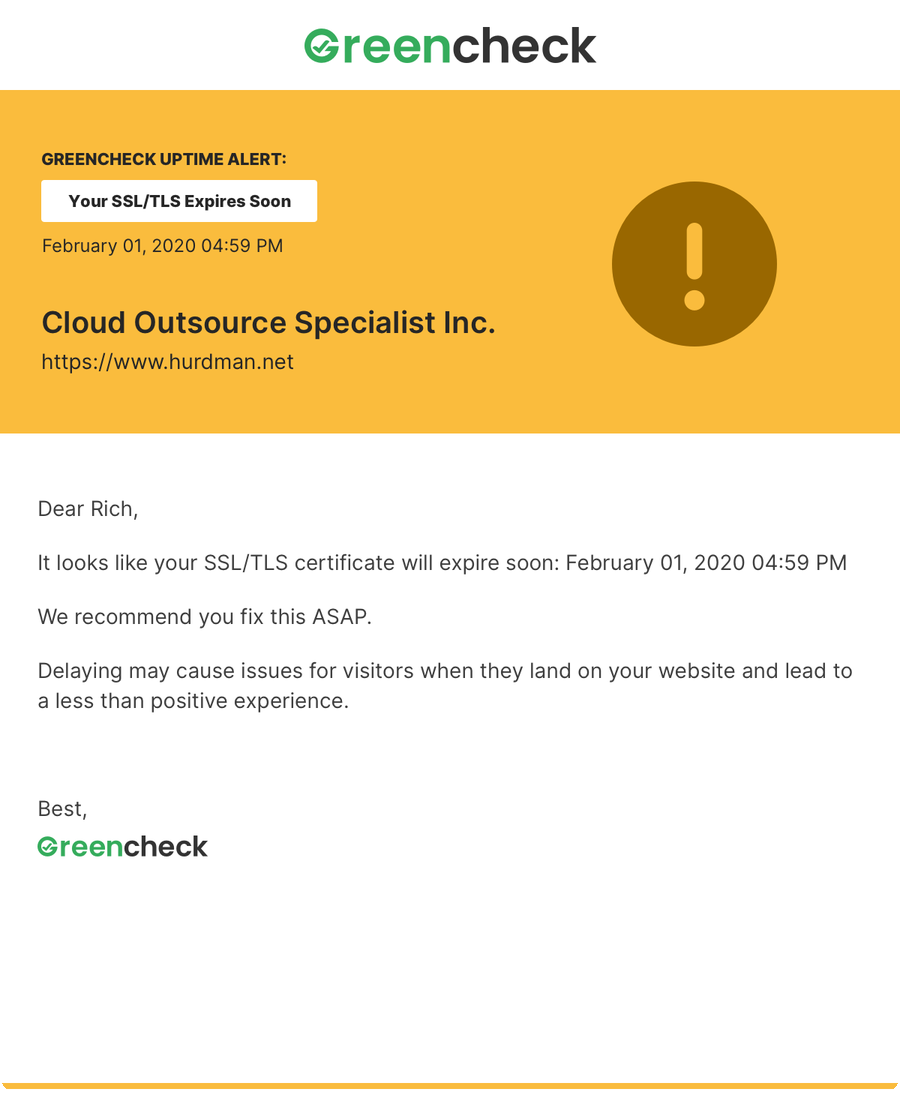
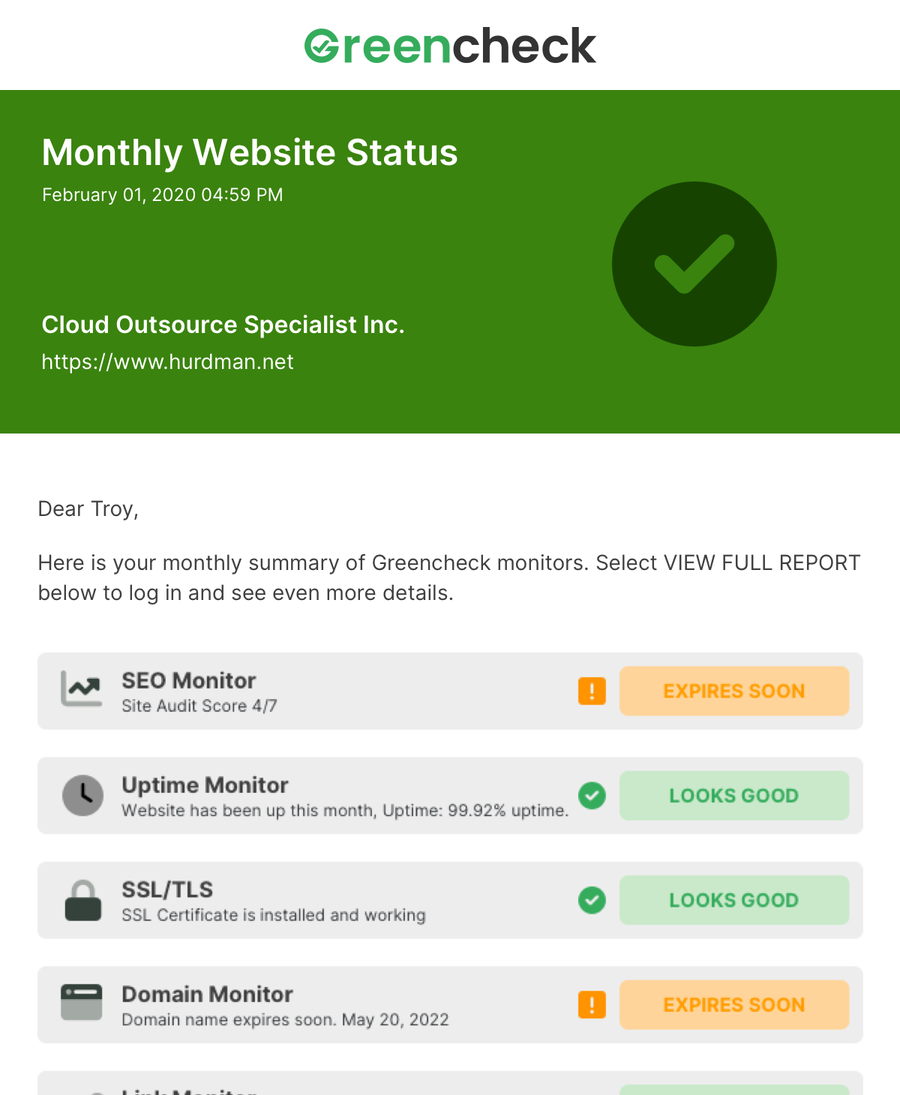
Every email leads with its status in colour: red when the site is down, yellow when a certificate is about to expire, green for the monthly summary of every monitor. The details sit below in plain words.
Brand
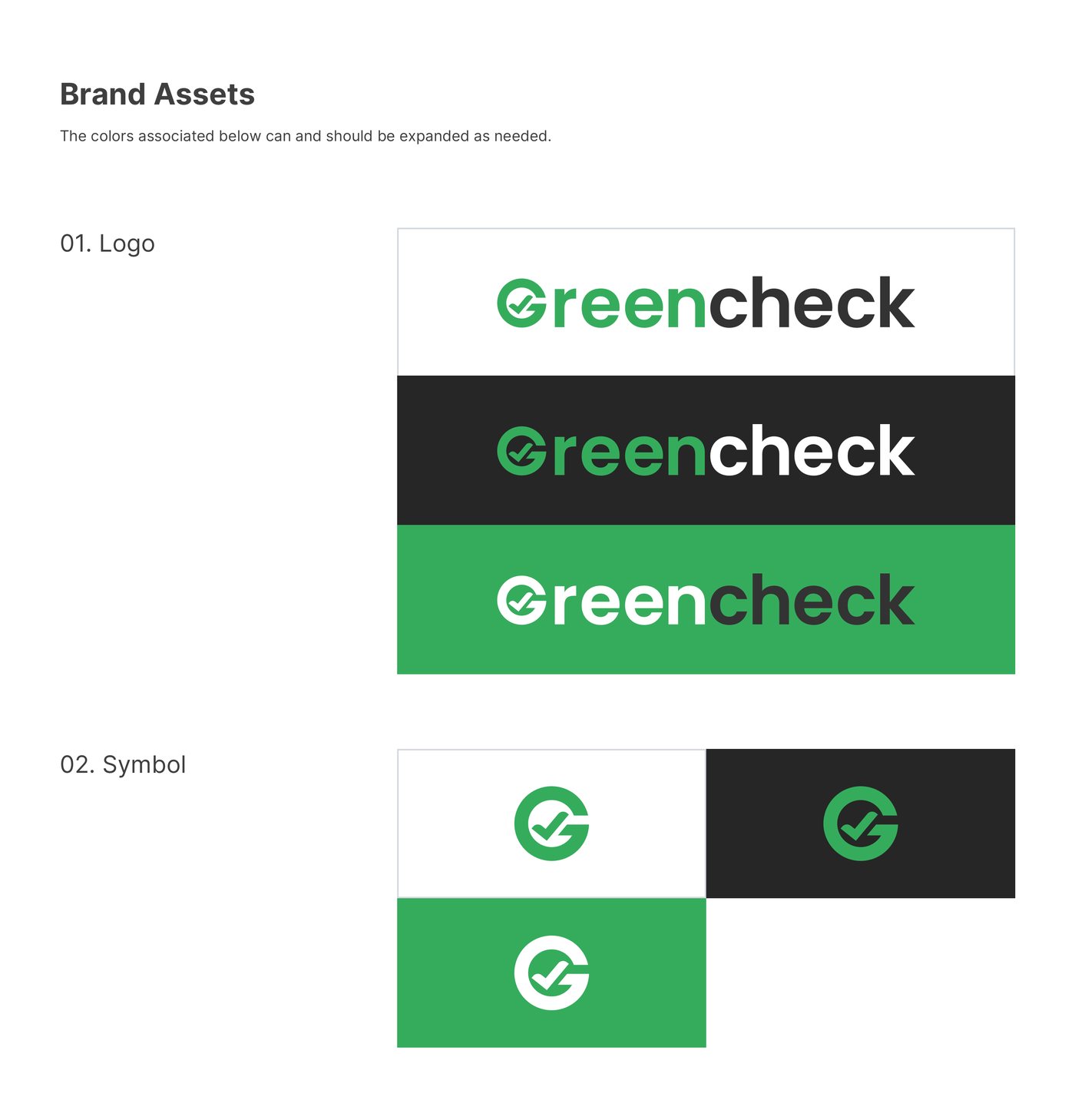
One green, one set of parts.
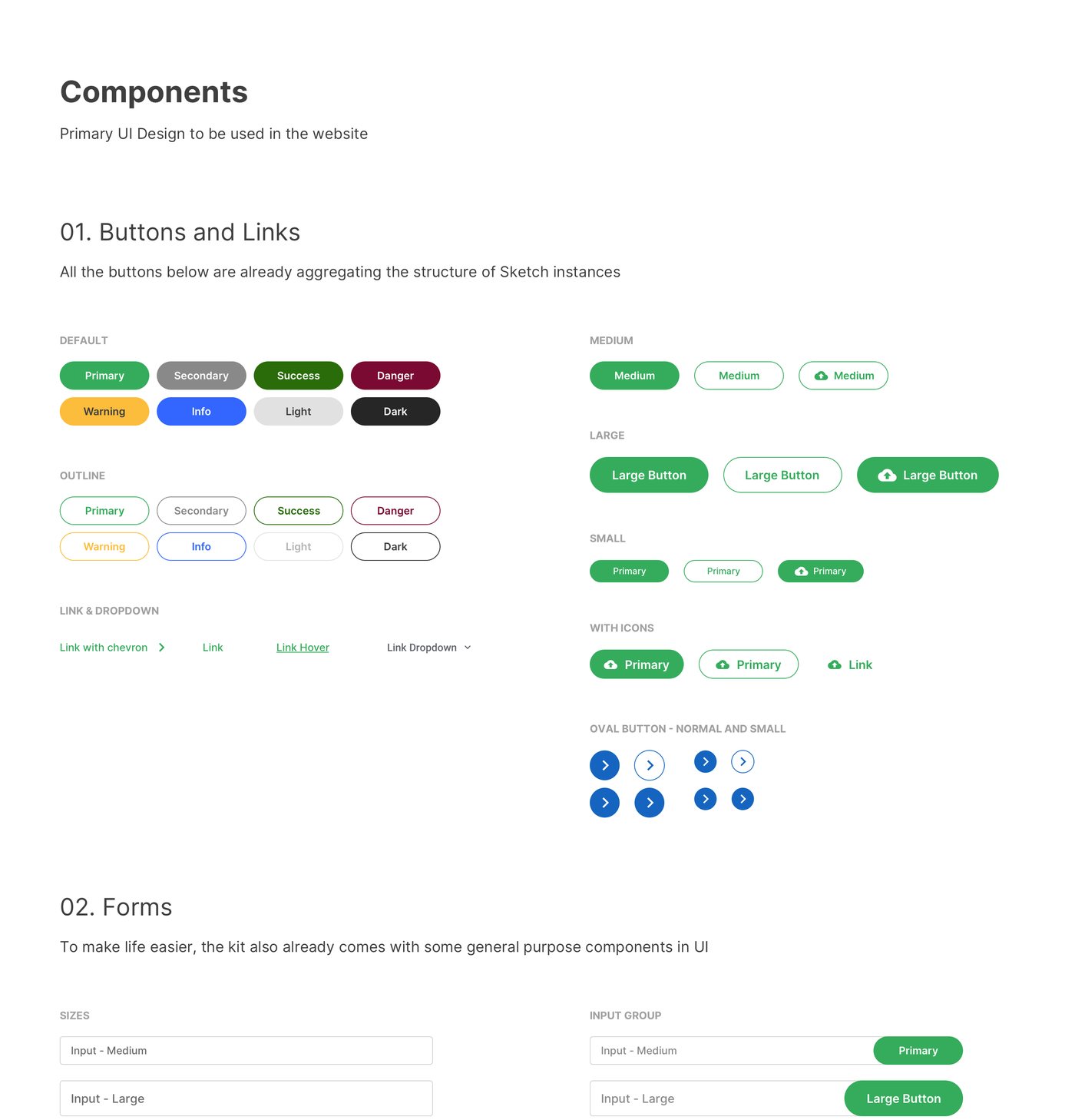
The logo works on white, black and green, with a check mark symbol for small spaces. Buttons, links and form fields come in a few sizes and states, ready to use across the site and the app.
Principles
Three rules behind every screen.
- 01
Show value first
A free check before any account, so people see what they get before they pay.
- 02
Explain, don’t just flag
Every issue in a report says what it is and why it matters, in plain language.
- 03
Speak up when it counts
Emails for downtime, SSL and spelling problems, and a monthly report for the rest.
My role
Designed it, then built it.
Design
The brand and base components, the marketing site, sign up, dashboard, reports and emails in Figma, on desktop and mobile.
Front end
I coded the screens myself. Starting from a base set of components kept the site, the app and the reports in one style.
Let’s talk
I’d love to tell you more on a call.
There’s more to this project than fits on one page. If you’re interested, I’m happy to walk you through the decisions, the trade-offs and what I’d do next.